Chapter 2 - Table nodes
Table node and SQL nodes
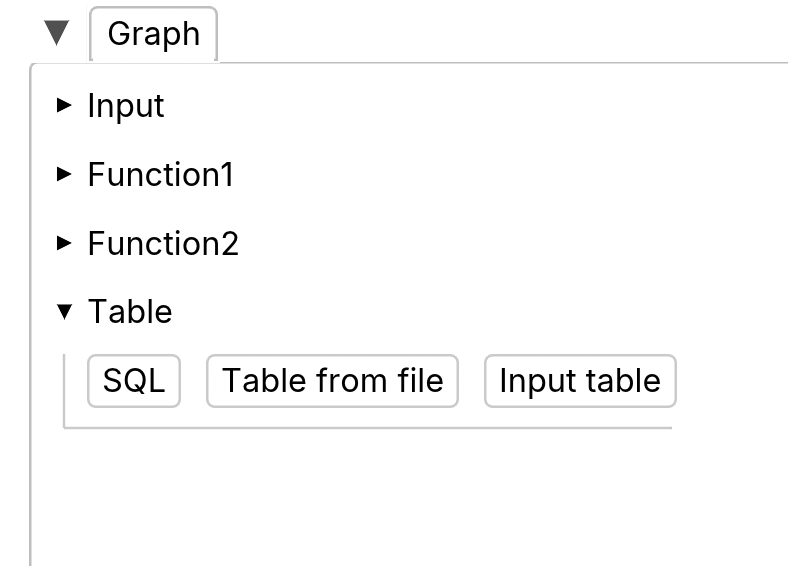
Input table
Input table are for manual input tables. They are meant to input small tables by hand.
Table from file
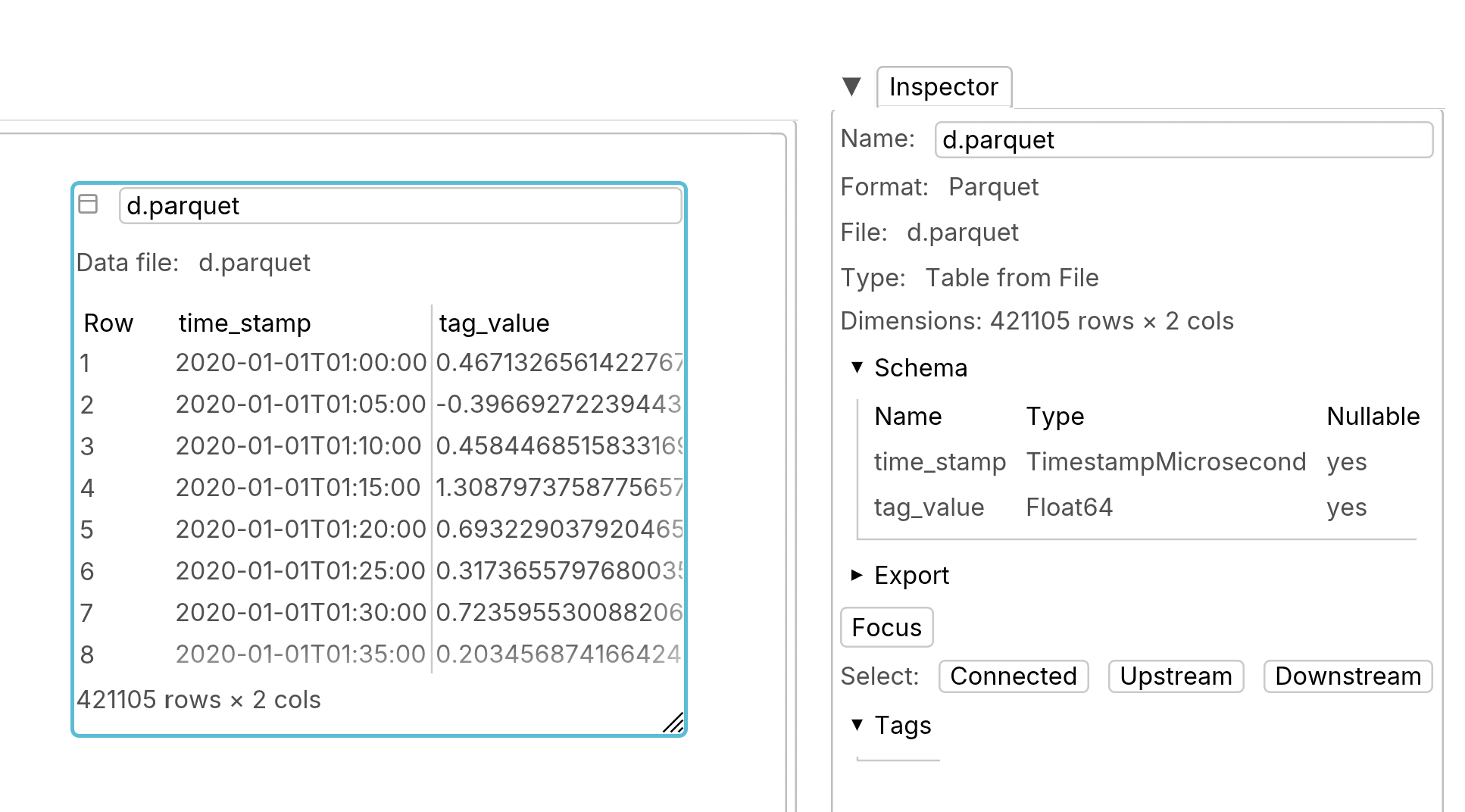
This is the preferred way to do calculation on large tables. Parquet and CSV files are supported.
Parquet files are the preferred way to read data from files.
CSV tables are also supported, as a convenience.
Files are copied into the browser’s file system (OPFS).
SQL nodes
DAGraph uses DataFusion SQL, which is pretty close to Postgres SQL.
As it’s an OLAP tool, DAGraph SQL really only supports DQL (select queries).
Schema definition is done either by creating input tables or importing data from files.
DAGraph is functional, there are no side effect, SQL queries cannot do INSERT, UPDATE or DELETE.
Parameterized SQL queries
Queries with positional parameters, such as:
select
    $1 as number,
    $2 as text,
    $3 as inline
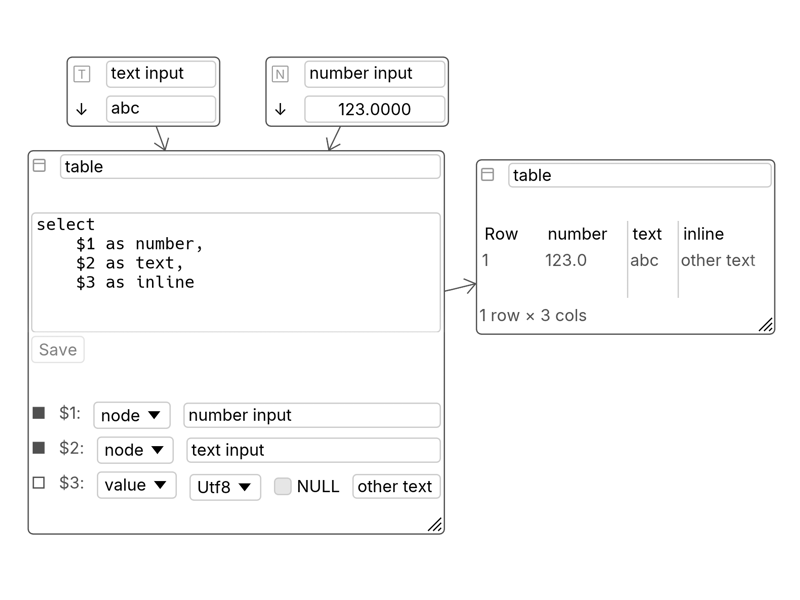
will be parsed and the widget will have “ports”. Ports can be connected, or values can be input.
Connecting scalar nodes to SQL params
Drag and drop
Drag from the scalar node output to the params input.
Typing the input node name
You can also type in the node name, if you select “node”.
Removing edges from scalar nodes to SQL params
Select the edge and delete the edge.
Table output
SQL nodes have output table nodes.
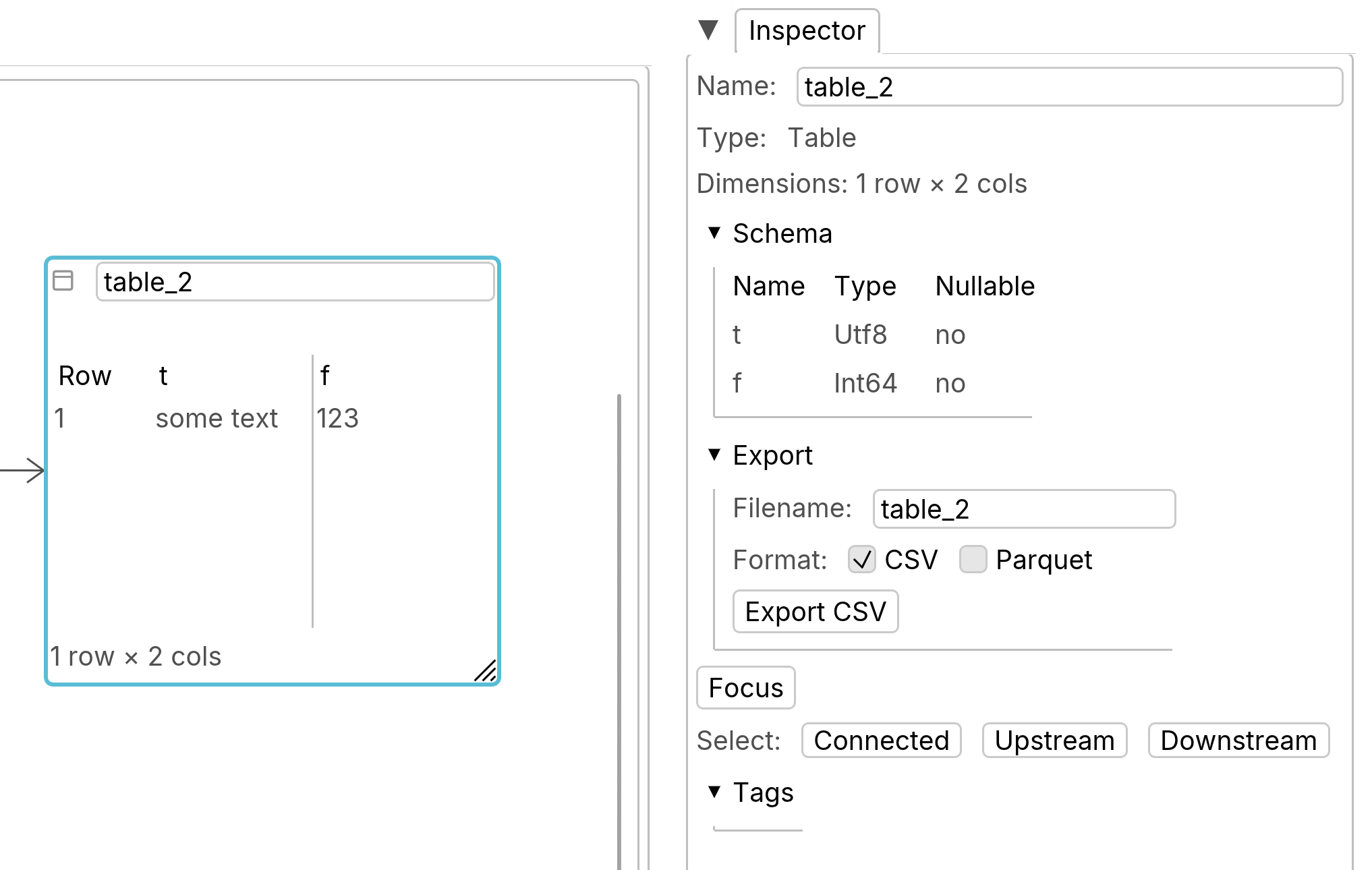
When a table node is selected, the inspector shows information about the table, such as its dimensions and schema. You can export the table as a Parquet file (preferred) or CSV.